⚡ Key Facts
- Grid Vulnerability: According to the Federal Emergency Management Agency (FEMA), localized power outages affect millions of Americans annually, with severe weather events being the leading cause of major utility disruptions.
- The Cloud Illusion: The Cybersecurity and Infrastructure Security Agency (CISA) warns that centralized cloud storage relies on a complex web of undersea cables, terrestrial fiber, and local ISP nodes, any of which can fail during a regional disaster.
- Data Longevity: Standard USB flash drives and Solid State Drives (SSDs) can begin to lose data due to charge leakage in as little as 1 to 5 years if left unpowered, making them unreliable for long-term unpowered storage.
- The Gold Standard: Archival M-DISC optical media is laboratory-tested to withstand temperatures up to 500°C and is projected by manufacturers to retain data for up to 1,000 years, impervious to electromagnetic pulses (EMPs).
- Financial Readiness: FEMA’s Emergency Financial First Aid Kit (EFFAK) highlights that missing financial and legal documentation is one of the primary reasons individuals fail to secure post-disaster federal assistance.
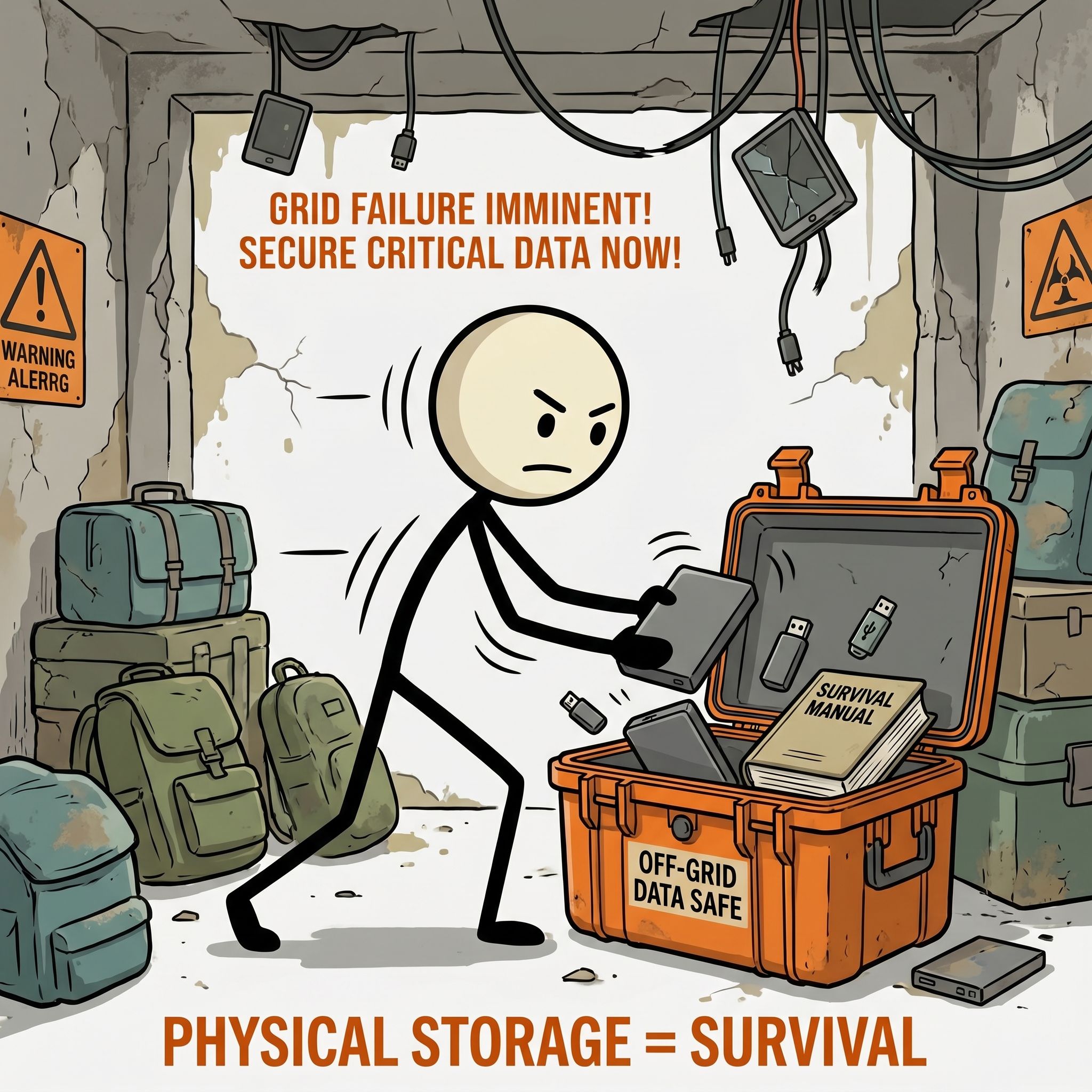
Imagine a prolonged regional blackout. A severe geomagnetic storm, a sophisticated cyberattack on the domestic SCADA systems, or a physical assault on a critical substation node has plunged your state into darkness. Within 48 hours, local cellular towers exhaust their battery backups. Within 72 hours, municipal water pumps fail, and the internet becomes a relic of a pre-crisis era. You have plenty of freeze-dried food, water purification tablets, and medical supplies. However, as the days stretch into weeks, you realize a critical vulnerability: your entire life’s administrative, financial, medical, and technical infrastructure is locked behind a glass screen that will not turn on, or trapped in a "cloud" that you can no longer reach. To navigate the complexities of a long-term recovery, you need immediate access to your land deeds, medical histories, system manuals, and survival databases. Achieving this requires a robust, self-reliant strategy for emergency data preparedness.
The Fragility of the Modern Digital Ecosystem
We live in an era of digital centralization. The convenience of cloud computing has lulled the public into a false sense of data security. Most people believe that because their documents are backed up on Google Drive, iCloud, or Dropbox, they are permanently safe. However, cloud storage is simply someone else's computer. Accessing that computer requires a functional local power grid, operational cellular networks, routing infrastructure, and active undersea cables. As noted by CISA, our national communications infrastructure is highly interdependent; a failure in the electrical grid rapidly cascades into a total telecommunications collapse.
Physical paper backups, while immune to cyber threats, present their own vulnerabilities. In the event of catastrophic flooding, wildfires, or rapid evacuations, paper is heavy, fragile, and easily destroyed. The U.S. Geological Survey (USGS) and FEMA frequently document how quickly localized disasters obliterate physical records, leaving families without birth certificates, land deeds, or insurance policies when they need them most. To bridge this gap, you must implement a system of secure offline storage—a localized, hardened, digital archive that you control, power, and access completely independent of the global internet.
The Realities of Data Rot and Hardware Failure
When designing an offline data backup system, you must understand that digital storage media is not permanent. Different hardware technologies suffer from distinct degradation mechanisms when left on a shelf:
- NAND Flash Memory (SSDs, USB Drives, SD Cards): These devices store data as electrical charges trapped within microscopic floating-gate transistors. Over time, these charges leak. If left unpowered, a standard solid-state drive or USB stick can experience data corruption (known as "bit rot") in as little as two to five years, depending on storage temperature.
- Magnetic Media (Traditional Hard Disk Drives - HDDs): HDDs rely on magnetized platters and mechanical read/write heads. While they hold charge longer than flash memory, they are highly susceptible to mechanical failure from drops, moisture, and electromagnetic disruption.
- Optical Media (CDs, DVDs, Blu-rays): Standard writeable optical discs use organic dye layers that degrade rapidly when exposed to ambient light, heat, and humidity. "Disc rot" can render a standard burned DVD unreadable in less than a decade.
Categorizing Your Critical Data: What to Secure
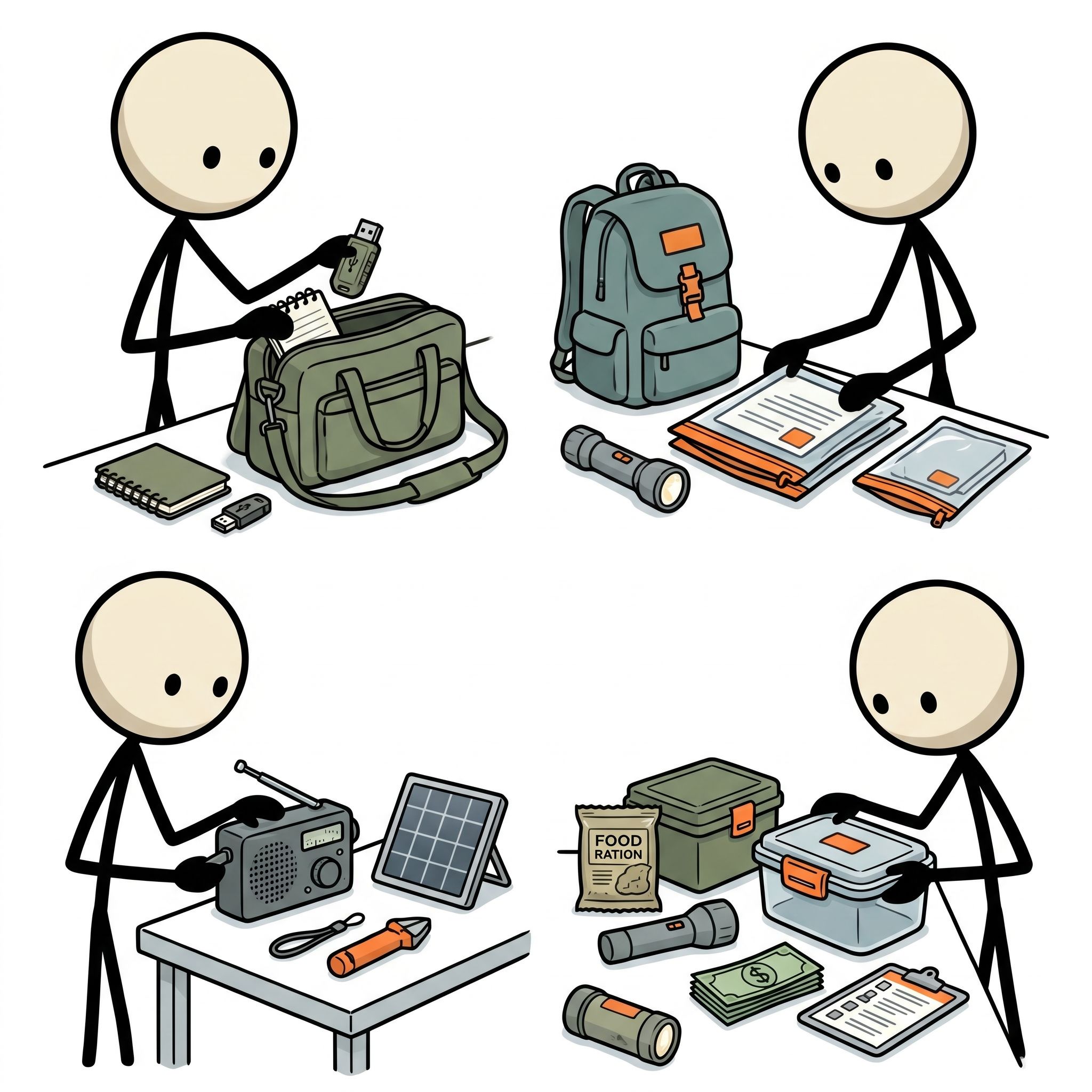
Building a prepper digital backup requires a systematic approach to categorizing your data. You do not need to back up your entire library of high-definition movies, but you do need to secure every piece of information required to rebuild your life, prove your identity, protect your assets, and maintain your health during a prolonged crisis.
1. Identity, Legal, and Ownership Documentation
In a post-Survival Scenarios, proving who you are and what you own is paramount to maintaining your civil rights and securing resources. Without these documents, navigating FEMA assistance, insurance claims, or law enforcement checkpoints becomes exceptionally difficult. Secure the following in high-resolution PDF format:
- Passports, driver’s licenses, and birth certificates for every family member.
- Social Security cards, marriage certificates, and adoption papers.
- Property deeds, mortgage documents, vehicle titles, and land surveys.
- Wills, living trusts, powers of attorney, and healthcare directives.
2. Financial Continuity and Asset Verification
If the banking system goes offline or operates in a limited capacity, you must have proof of your financial standing. Keep an updated archive of your financial life, refreshed at least quarterly:
- The last three years of federal and state tax returns (essential for proving income and business ownership during federal aid applications).
- Recent statements for all checking, savings, retirement, and brokerage accounts.
- Insurance policies (homeowners, auto, health, life) including full policy declarations and claim contact numbers.
- Cryptocurrency private keys, seed phrases, and cold-storage wallet configurations (stored within heavily encrypted containers).
3. Comprehensive Medical Records
During a long-term grid failure, hospital networks may be inaccessible, leaving local clinics without your medical history. The Centers for Disease Control and Prevention (CDC) emphasizes the importance of personal health preparedness, which includes maintaining portable medical records:
- Complete immunization records for all family members.
- A list of active prescriptions, dosages, and prescribing physicians.
- Scans of health insurance, Medicare, or Medicaid cards.
- Historical medical records, including major surgeries, allergies, blood types, and recent lab work.
- Detailed dental records and X-rays (highly useful for identification purposes in worst-case scenarios).
4. Technical, Survival, and Logistical Knowledge Base
Your off-grid data storage should serve as a digital library of human knowledge. When Google is no longer there to answer your questions, your local database must fill the void. Secure a vast, structured library of reference materials:
- Medical and First Aid: Detailed survival medicine manuals, wilderness first aid guides, and pharmaceutical reference books (such as the Physician's Desk Reference).
- USGS Topographical Maps: High-resolution, offline maps of your local county, state, and potential bug-out routes. Download vector-based maps that can be scaled without losing resolution.
- Instructional Manuals: User manuals for your solar generators, ham radios, water filtration systems, vehicles, and firearms.
- Agricultural and Homesteading Guides: Books on seed saving, food preservation, animal husbandry, blacksmithing, and carpentry.
Selecting the Right Physical Storage Media
Not all storage hardware is created equal. A resilient emergency data preparedness plan utilizes a hybrid approach, matching the strengths of different media to the specific requirements of the data being stored.
| Storage Media | Pros | Cons | Best Used For |
|---|---|---|---|
| Rugged External SSDs | Fast transfer speeds, high capacity, shockproof, water-resistant. | Susceptible to charge leakage over years of unpowered storage. | Active, frequently updated backups of financial and personal files. |
| M-DISC (Blu-ray/DVD) | 1,000-year shelf life, immune to EMPs, highly stable. | Slow write speeds, requires specialized optical burner and reader. | Deep archival storage of unchanging legal and medical documents. |
| Industrial MicroSD Cards | Extremely small, easy to conceal, high storage density. | Easy to lose physically, fragile, prone to static damage. | Secondary, highly portable/hidden backups. |
| Rugged USB Flash Drives | Universal compatibility, highly portable, physical durability. | Limited write cycles, prone to bit rot if left unpowered long-term. | Quick-access grab-and-go digital bug-out bags. |
The Archival Power of M-DISC
For deep, long-term archival storage, standard magnetic and flash-based media are insufficient. This is where the M-DISC (Millennial Disc) becomes essential. Unlike standard DVDs or Blu-rays that write data to an organic dye layer using a laser, the M-DISC utilizes a patented, stone-like inorganic layer. When written, a high-powered laser literally engraves the data into this rock-hard material, creating physical pits that do not degrade over time.
M-DISCs are impervious to electromagnetic pulses (EMPs), cosmic radiation, extreme heat, and moisture. They require a compatible M-DISC ready writer to burn the data, but they can be read by almost any standard modern DVD or Blu-ray drive. For your "set-and-forget" archives—such as historical family photos, legal documents, and survival libraries—M-DISC is the gold standard.
Industrial-Grade Flash Media
If you choose to use SD cards or USB drives for portability, avoid cheap consumer-grade options. Opt instead for industrial-grade SLC (Single-Level Cell) flash media. Standard consumer flash drives use MLC (Multi-Level Cell) or TLC (Triple-Level Cell) technology, which packs multiple bits of data into a single physical cell. This increases capacity but drastically reduces write endurance and speeds up charge leakage. Industrial SLC media stores only one bit per cell, offering vastly superior thermal stability, write endurance, and data retention lifespans.
Cryptographic Security: Protecting Your Data from Physical Theft
A primary risk of storing all your critical personal, financial, and medical data on highly portable physical media is the threat of physical theft. If you evacuate your home and lose your digital Go-Bag Builder, or if your home is looted during a civil unrest scenario, an unencrypted drive gives bad actors access to your entire identity. This can lead to devastating identity theft, financial ruin, and targeted extortion. Therefore, all off-grid data storage must be heavily encrypted.
The Power of VeraCrypt and Open-Source Encryption
Do not rely on proprietary, built-in drive encryption software provided by commercial manufacturers. These proprietary systems often contain backdoors, are subject to licensing restrictions, and may require internet connectivity to authenticate. Instead, utilize open-source, peer-reviewed cryptographic tools like VeraCrypt.
VeraCrypt allows you to create a secure, encrypted virtual disk within a single file on your drive, or encrypt an entire partition or storage device. It utilizes industry-standard cryptographic algorithms such as AES-256, Camellia, and Kuznyechik, often cascaded together for maximum security.
To implement a secure offline storage system using VeraCrypt:
- Create an Encrypted Container: Format your storage media (e.g., a rugged SSD) and create a VeraCrypt file container that occupies the majority of the drive's capacity.
- Select Strong Cryptography: Choose AES-256 encryption paired with the SHA-512 hash algorithm.
- Implement a Strong Passphrase: Use a high-entropy passphrase of at least 20-30 characters. Do not write this passphrase down on any document kept with the drive. Memorize it using a mnemonic device, or store it in a physical password book kept in a separate, secure location.
- Utilize Hidden Volumes: VeraCrypt offers a unique feature called "plausible deniability." It allows you to create a hidden volume inside your main encrypted volume. If you are forced by an adversary to reveal your password, you provide the password to the outer volume, which contains realistic but non-sensitive data. The inner volume, containing your truly critical data, remains mathematically invisible and impossible to prove exists.
Hardware-Encrypted Drives
For rapid access without the need for software installation, consider hardware-encrypted drives (such as those made by Apricorn or iStorage). These drives feature physical alphanumeric keypads on their chassis. The decryption occurs entirely on the drive's internal hardware controller; until the correct PIN is entered, the drive will not even register as connected to a computer. This makes them immune to software-based keyloggers and highly compatible across various operating systems without requiring external software.
The Prepper's 3-2-1-1 Backup Strategy
In traditional IT environments, the "3-2-1" backup rule is the standard: three copies of your data, on two different types of media, with one copy stored offsite. For robust emergency data preparedness, we must adapt and expand this to the 3-2-1-1 rule:
- 3 Copies of Your Data: Maintain one primary active working copy, one local backup, and one long-term archival backup.
- 2 Different Media Types: Do not put all your eggs in one technological basket. Store your data on at least two distinct media types—for example, a rugged SSD for quick access and an M-DISC Blu-ray for long-term archival permanence.
- 1 Offsite Location: Keep one encrypted backup copy at a geographically distinct location (e.g., a secure safety deposit box at a bank, or buried in a waterproof container at a designated bug-out location). This protects your data if your primary residence is destroyed by fire, tornado, or flood.
- 1 Air-Gapped/Offline Copy: Ensure at least one copy of your data is completely air-gapped—meaning it is physically disconnected from any computer, network, or power source at all times except during updates. This guarantees immunity from ransomware, malware, and remote cyberattacks.
Establishing a Maintenance Schedule
An emergency data backup is only as good as its latest update. Establish a strict calendar reminder to maintain your archive:
- Monthly: Update your financial statements, bank records, and active prescription lists on your primary rugged SSD.
- Bi-Annually: Power up your flash-based devices (SSDs, USBs) for at least 30 minutes. This allows the internal controller to refresh the electrical charges in the NAND cells, preventing data rot.
- Annually: Burn a fresh M-DISC with your permanent legal records and any new survival manuals you have acquired over the year. Verify the integrity of your encrypted containers by running a test decryption and file verification.
Environmental Hardening: Shielding Your Data from Physical Threats
Once you have selected your media and encrypted your data, you must protect the physical hardware from destructive environmental factors. Water, fire, extreme heat, and electromagnetic pulses are the natural enemies of digital storage.
Electromagnetic Pulse (EMP) and Solar Flare Protection
A high-altitude electromagnetic pulse (HEMP) or a severe coronal mass ejection (CME) from the sun—similar to the Carrington Event of 1859 tracked by NOAA—could induce massive electrical currents in conductive materials, instantly destroying integrated circuits. While optical media (M-DISC) is naturally immune to EMPs, your SSDs, USB drives, and the laptops needed to read them are highly vulnerable.
To shield your electronics:
- Use Certified Faraday Bags: Store your digital bug-out devices in high-quality, multi-layered Faraday bags that meet military shielding standards (such as MIL-SPEC 81705-Rev C). These bags block radio frequency (RF) signals, electromagnetic radiation, and electrostatic discharges.
- Build a Nested Faraday Cage: For maximum protection, use a nesting technique. Wrap your encrypted drives in non-conductive plastic wrap, place them inside a small Faraday bag, wrap that bag in another layer of plastic, and place the entire package inside a clean, galvanized steel garbage can with a tight-fitting lid. Ensure the inner metal surfaces of the can are lined with cardboard or foam so that no electronic device or inner bag directly touches the outer metal shell.
Waterproofing and Fire Protection
Water damage is the most common cause of hardware failure during natural disasters. All portable drives should be stored in IP67 or IP68 rated cases (such as Pelican or Nanuk cases) along with silica gel desiccant packs to absorb any trapped ambient moisture.
Fireproof safes designed for paper documents are often hazardous to digital media. Standard document safes protect paper by releasing chemically bound moisture to keep the interior temperature below the ignition point of paper (approx. 177°C / 350°F). However, this creates a high-humidity, steam-filled environment that will instantly destroy delicate electronic circuitry and melt plastic optical discs. If you use a safe, ensure it is specifically rated as a "Class 125 Media Safe," which keeps the interior temperature below 52°C (125°F) and humidity below 80% during a fire.
The Off-Grid Retrieval System: Accessing Your Data Without a Grid
Having a perfectly preserved, highly encrypted, EMP-shielded offline data backup is completely useless if you do not possess the hardware and power required to read, decrypt, and display the information during a blackout.
1. The Air-Gapped Emergency Laptop
Dedicate an older, ruggedized laptop (such as a refurbished Panasonic Toughbook) solely for your off-grid data retrieval system. This laptop should be permanently "air-gapped"—meaning its Wi-Fi and Bluetooth cards are physically removed or permanently disabled in the BIOS. It should never be connected to the internet. This ensures that when you connect your highly sensitive, encrypted backup drives to it, there is zero risk of malware, spyware, or operating system updates compromising your security.
Ensure the laptop has:
- An internal solid-state drive with a clean operating system installed (Linux distributions like Ubuntu or Tails are highly recommended for security and low resource consumption).
- Pre-installed copies of VeraCrypt, a robust PDF reader, a web browser (configured for offline use to open downloaded HTML medical/survival guides), and GIS/mapping software (like QGIS).
- An integrated or external optical drive capable of reading Blu-ray and M-DISC media.
- A spare, fully charged replacement battery stored alongside it.
2. Mobile Device Alternatives
Laptops require significant power to run. For a highly portable, low-power alternative, store a ruggedized, off-grid tablet or smartphone. By using an OTG (On-The-Go) adapter cable, you can connect your rugged external SSDs or USB drives directly to your mobile device. Ensure you have installed mobile-compatible decryption apps (such as EDS for Android, which can open VeraCrypt containers) and offline document viewers before the grid goes down.
3. Off-Grid Power Solutions
To keep your retrieval hardware running indefinitely, you must establish an independent power generation loop:
- Portable Solar Generators: A small, 200Wh to 500Wh portable lithium power station (such as those from Jackery, EcoFlow, or Bluetti) paired with a 50W to 100W foldable solar panel can easily power a laptop, tablet, and external drives indefinitely.
- 12V DC Charging: Ensure you have DC-to-DC charging cables for your laptop and devices. Converting DC power from a solar battery to AC (via an inverter) and back to DC (via your laptop's power brick) wastes up to 20-30% of your precious energy as heat. Direct DC charging is vastly more efficient.
- Manual Hand-Crank Chargers: For worst-case scenarios where solar is unavailable due to weather or ash cover, a high-quality hand-crank or pedal generator can provide the minimal power required to charge a tablet or phone to access critical medical or survival files.
Taking Control of Your Digital Destiny
True self-reliance is not merely about physical survival; it is about administrative and intellectual sovereignty. When the complex digital networks that support modern civilization fail, those who have taken the steps to build a secure, encrypted, and physically hardened off-grid data storage system will possess a massive advantage. They will have the blueprints to rebuild their lives, the medical knowledge to treat their families, the legal proof to secure their properties, and the technical manuals to maintain their off-grid infrastructure. Do not wait for a catastrophic event to expose the fragility of your digital life. Implement an offline data backup protocol today, secure your critical files, and ensure that your most valuable information remains accessible when the world goes dark.
A practical family emergency plan helps turn this advice into responsibilities everyone can rehearse before a disruption.
Use the household supply calculator to size food, water, and consumables to the people who will actually depend on them.
For a time-critical departure, the go-bag builder keeps the essential loadout separate from heavier backup gear.
Working through relevant emergency scenarios reveals where a plan needs a backup power, transport, or communication decision.
The structured preparedness courses provide a useful way to practice the same decisions instead of leaving them as a one-time checklist.
Frequently Asked Questions
What are the best physical storage media for offline data backups?
High-quality USB flash drives, external Solid State Drives (SSDs) for durability, and rugged external Hard Disk Drives (HDDs) for high capacity. For long-term archival, M-DISC DVDs or Blu-rays offer superior degradation resistance.
How can I protect my offline backup drives from electromagnetic pulses (EMPs)?
Store your backup drives in a certified faraday bag or a DIY Faraday cage (such as nested metal containers insulated with non-conductive materials) to shield the electronic components from electromagnetic fields. For a quick definition, see faraday cage.
What critical documents should preppers back up digitally?
You should back up government-issued IDs, financial records, insurance policies, medical records, property deeds, emergency contact lists, and survival reference manuals.
How often should I update my offline backups?
Establish a regular schedule, such as monthly or quarterly, and perform immediate updates whenever you acquire important new documents or make significant changes to your emergency plans.
What is the 3-2-1 backup strategy for emergency preparedness?
Keep 3 total copies of your data, stored on 2 different types of media (e.g., an external SSD and printed paper), with at least 1 copy kept in a secure offsite location, such as a safe deposit box.