⚡ Key Facts
- Critical Infrastructure Vulnerabilities: According to the Cybersecurity and Infrastructure Security Agency (CISA), ransomware and cyberattacks on water, energy, and healthcare sectors have increased by over 140% in recent years, proving that digital infrastructure is a primary target before and during physical crises. For the practical checklist side, use the community emergency preparedness guide.
- The Reality of Grid Failure: FEMA’s National Preparedness Report highlights that a prolonged power grid failure would immediately disable 95% of commercial wireless emergency communication plans within 24 hours due to limited backup generator fuel at cellular base stations.
- Data Exposure Risks: Over 80% of personal data brokers hold detailed records of individuals' physical assets, home addresses, and emergency purchases, making targeted digital privacy a critical component of physical operational security (OPSEC).
- Off-Grid Communication Viability: Decentralized, license-free mesh networks utilizing LoRa (Long Range) technology can transmit encrypted peer-to-peer messages up to several miles without cellular towers or internet access, as documented in search-and-rescue studies by the American Red Cross.
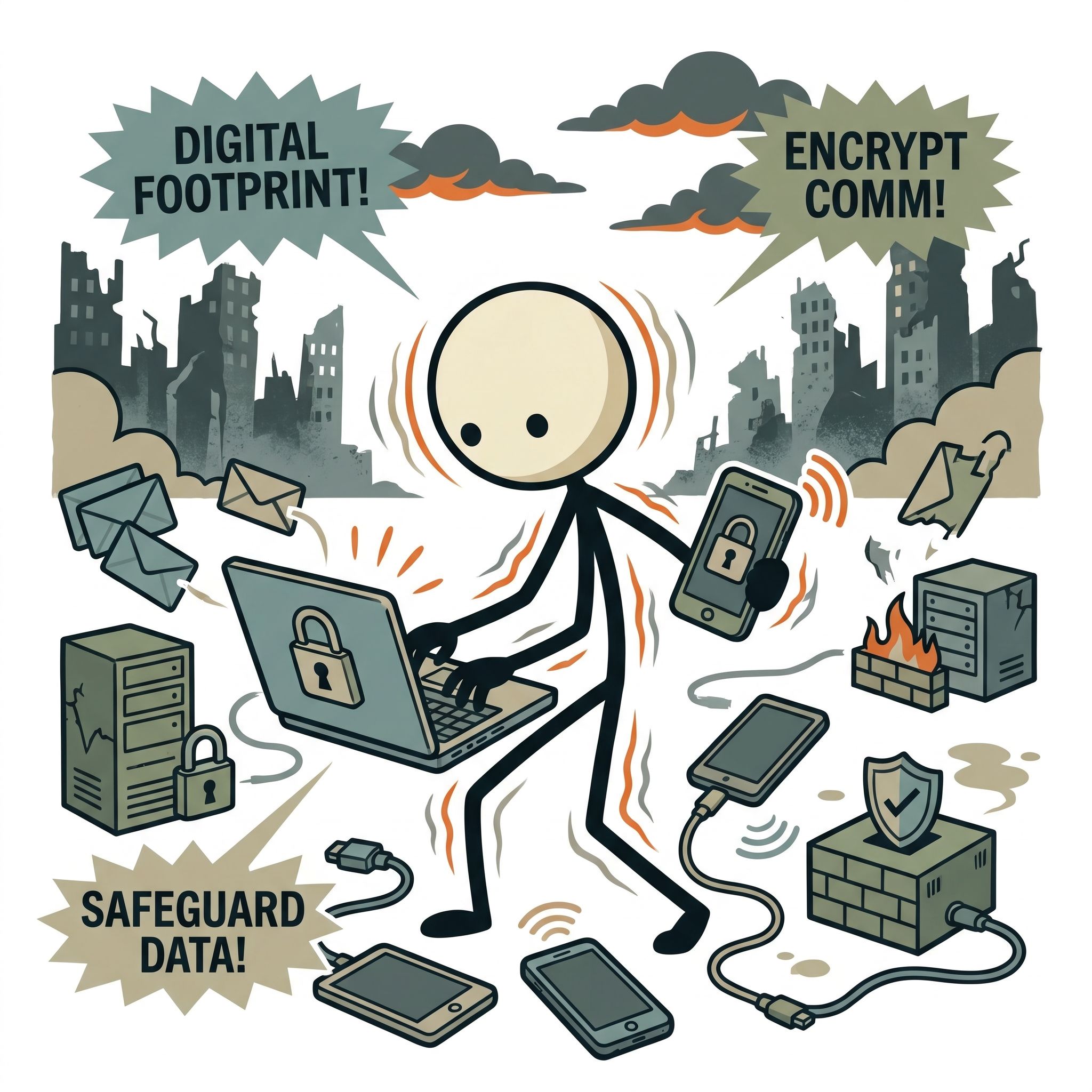
Imagine a scenario where a severe geomagnetic storm, monitored by the National Oceanic and Atmospheric Administration (NOAA), triggers a cascading failure of the regional electrical grid. Within minutes, cellular towers lose power, ATMs blink offline, and the digital cloud services you rely on daily vanish into the ether. In this high-stress environment, you reach for your devices only to realize that your critical medical histories, property deeds, and family emergency plan contacts are locked behind inaccessible cloud servers. Worse yet, your unencrypted digital footprint remains exposed to threat actors operating in the chaotic vacuum of a major disaster. True emergency preparedness is no longer just about stockpiling freeze-dried food, purifying water, and securing physical perimeters. In the modern era, securing your digital footprint, implementing secure communications, and safeguarding your data are indispensable pillars of survival. Digital preparedness ensures that when the lights go out, your sensitive information remains secure, accessible, and completely under your control.
The Threat Landscape: Why Preppers Must Prioritize Cybersecurity
Modern emergency preparedness often focuses heavily on physical assets—food, water, medical supplies, and security. However, our reliance on digital infrastructure has created a massive vulnerability. In a Survival Scenarios, whether localized like a hurricane or systemic like a coordinated cyberattack on the power grid, digital chaos precedes physical chaos. Cybercriminals, state-sponsored actors, and opportunistic threat actors exploit these periods of instability to harvest data, conduct identity theft, and disrupt critical services.
According to CISA, the threat to critical infrastructure is persistent and sophisticated. If the grid experiences a black-sky event, centralized communication networks and cloud storage systems will be the first to fail. If you have not implemented robust prepper cyber security practices, you risk losing access to vital information when you need it most. Furthermore, an unencrypted digital footprint can expose your preparedness status, your physical location, and your assets to bad actors looking for targets during a prolonged crisis.
Understanding Threat Modeling for Emergency Preparedness
Before implementing security measures, you must understand who and what you are protecting against. This process is known as threat modeling. For the average citizen, threat modeling involves identifying your high-value assets—such as financial records, medical histories, and communication channels—and determining the most likely vectors of compromise during a crisis. In a disaster, these vectors include:
- Targeted Identity Theft: Exploiting compromised databases to steal financial identities when local law enforcement and financial institutions are overwhelmed.
- Physical Tracking: Using leaked metadata, location services, or unencrypted wireless signals to locate your homestead, bug-out location, or supply caches.
- Information Deprivation: The sudden loss of access to survival manuals, medical guides, and maps due to a total reliance on cloud-based services.
- Interception of Communications: Bad actors monitoring unencrypted radio or cellular frequencies to intercept your family coordination plans.
By framing your security posture around these specific threats, you can build a resilient, multi-layered defense system that protects your data both online and offline.
Hardening Your Digital Footprint: Privacy as OPSEC
Operational Security (OPSEC) is the practice of protecting individual pieces of information that could be pieced together by an adversary to form a complete picture of your plans, assets, or vulnerabilities. In the digital age, your online trail is a goldmine for anyone looking to exploit you. Achieving true digital privacy for preppers requires a systematic reduction of your online exposure before a crisis occurs.
Every search query, online purchase, and social media post leaves a permanent digital breadcrumb. If you have purchased survival gear, freeze-dried food, or off-grid power systems online, that data is stored in corporate databases, sold to data brokers, and potentially exposed in data breaches. To mitigate this risk, you must actively minimize your digital footprint and secure your active accounts.
Step-by-Step Guide to Reducing Your Digital Footprint
Reducing your online exposure is a continuous process, but you can achieve significant privacy gains by taking several immediate actions:
- Opt-Out of Data Brokers: Use services like DeleteMe, Kanary, or manually submit opt-out requests to major data brokers (such as Whitepages, Spokeo, and LexisNexis) to remove your physical address, phone number, and family associations from public search engines.
- Transition to Privacy-Focused Services: Replace search engines that track your queries with privacy-centric alternatives like DuckDuckGo or Startpage. Swap invasive browsers for hardened options like Brave or Firefox with strict tracking protections enabled.
- Use Alias Emails and Virtual Phone Numbers: When signing up for services or making emergency-related purchases, use masked email services (like SimpleLogin or ProtonMail aliases) and virtual phone numbers (like MySudo) to prevent your primary identity from being linked to your purchases.
- Sanitize Social Media: Remove geotags from historical photos, delete accounts you no longer use, and strictly limit the personal information you share online. Never post photos of your emergency supplies, home defense setups, or bug-out routes.
Implementing Robust Account Security
Securing your active online accounts is critical to preventing unauthorized access during a cyber crisis. Password hygiene is your first line of defense. Abandon simple, memorable passwords in favor of long, complex passphrases generated by an offline-capable password manager like KeePassXC or a highly secure, zero-knowledge cloud manager like Bitwarden.
Additionally, enable Multi-Factor Authentication (MFA) on every account that supports it. Avoid SMS-based MFA, as it is highly vulnerable to SIM-swapping attacks—a common tactic used by cybercriminals to hijack accounts. Instead, opt for app-based authenticators (like Aegis or Google Authenticator) or physical hardware security keys (such as YubiKeys) which provide the highest level of protection against remote phishing and hijacking attempts.
Secure Communications: Encrypting Your Network
When a crisis strikes, the ability to coordinate with family, mutual assistance groups, and emergency services is paramount. However, standard communication channels—such as cellular calls, SMS text messages, and standard emails—are completely unencrypted and easily intercepted by third parties. To maintain operational security, you must establish secure communications protocols that function both when the internet is active and when the grid goes dark.
Grid-Up Secure Communications
While the internet and cellular networks remain operational, your primary goal is to prevent eavesdropping and metadata collection. Standard messaging apps like SMS transmit data in plain text, allowing cellular providers and anyone with an IMSI catcher (Stingray device) to read your messages. To secure your digital conversations:
- Utilize End-to-End Encrypted (E2EE) Messaging: Use Signal for your daily communications. Signal is open-source, peer-reviewed, and collects virtually no metadata (only the date of account creation and the last connection date).
- Deploy Metadata-Free Protocols: For maximum anonymity, consider decentralized messaging platforms like Session or Matrix. These platforms do not require a phone number to register, routing your encrypted messages through a decentralized onion network to mask your IP address and communication partners.
- Secure Your Email: Transition from invasive email providers to encrypted services like ProtonMail or Tuta. These services encrypt your inbox at rest and allow you to send end-to-end encrypted emails to other users of the same service automatically.
Grid-Down Secure Communications
If a catastrophic event disables the cellular grid, you must transition to decentralized, off-grid communication methods. Relying on standard walkie-talkies (FRS/GMRS) or unencrypted ham radio frequencies exposes your location and plans to anyone scanning the airwaves. To maintain privacy off the grid, you should integrate encrypted mesh networking and digital radio modes into your contingency plans.
One of the most promising technologies for off grid digital security is LoRa-based mesh networking, specifically through platforms like Meshtastic. Meshtastic devices are small, inexpensive, low-power radio transceivers that operate on license-free frequencies (such as 915 MHz in the United States). These devices connect to your smartphone via Bluetooth, allowing you to send encrypted text messages and GPS coordinates to other members of your mesh network without any cellular service or internet.
| Communication Method | Grid Dependence | Encryption Level | Range / Scope |
|---|---|---|---|
| Signal Messenger | High (Requires Internet/Cellular) | Very High (E2EE Signal Protocol) | Global |
| Meshtastic (LoRa) | None (Decentralized Mesh) | High (AES-256 Symmetric Encryption) | Local to Regional (1-10+ miles per hop) |
| Amateur Radio (HF/VHF) | None (Point-to-Point) | None (Encryption illegal on amateur bands) | Global to Regional |
| Satellite Communicators | Medium (Requires Satellite Constellation) | Medium (Proprietary Encryption) | Global (Outdoor line-of-sight) |
Because Meshtastic uses AES-256 encryption, your off-grid communications remain completely private. Each node in the network acts as a repeater, forwarding messages across the mesh to extend the range dynamically. This makes it an invaluable tool for localized neighborhood preparedness network defense, search and rescue operations, and tactical communication during a long-term grid-down event.
Data Protection: Local Storage & Off-Grid Survival Libraries
In a prolonged emergency, information is just as valuable as physical supplies. Access to medical manuals, survival guides, local maps, and personal documents can make the difference between recovery and disaster. Relying on cloud storage during a crisis is a single point of failure. You must transition to a robust, local, and highly secure data protection emergency protocol.
Your goal is to build an "Offline Survival Library" and secure your personal vital documents on physical media that you own, control, and protect with military-grade encryption. This ensures that even if the global internet infrastructure collapses entirely, you retain access to the sum of human knowledge and your critical personal records.
Building an Offline Survival Library
An offline survival library should contain actionable, practical information that can guide you through medical emergencies, agricultural challenges, and technical repairs. Fortunately, open-source software makes archiving this data incredibly simple. Follow this framework to build your library:
- Deploy Kiwix: Kiwix is an offline reader that allows you to download entire websites into highly compressed .zim files. You can download the entirety of Wikipedia, WikiHow, the CDC’s medical guides, and the entirety of Project Gutenberg onto a single high-capacity MicroSD card or external SSD.
- Archive Mapping Data: Download offline maps of your entire region. Tools like Organic Maps or OpenStreetMap allow you to download detailed topographic and street maps directly to your smartphone or tablet, utilizing your device's built-in GPS receiver without needing cellular data. Download USGS (U.S. Geological Survey) topographic maps for precise elevation and terrain planning.
- Store Professional Manuals: Gather PDFs of the FEMA Emergency Management Guides, Red Cross Wilderness First Aid Manuals, military survival manuals (such as FM 21-76), and local agricultural extension office publications.
Securing Vital Personal Documents
In addition to educational resources, you must preserve and protect your vital personal documents. During the recovery phase of a major disaster, you will need to prove your identity, property ownership, and medical history to authorities, insurance companies, and medical professionals.
Create digital scans of your passports, birth certificates, deeds to your home and land, insurance policies, medical records, and immunization histories. Because this data is highly sensitive, storing it in plain text on a USB drive is a major security risk. If that drive is lost or stolen during an evacuation, your identity could be permanently compromised.
To secure these files, use VeraCrypt, an open-source, multi-platform disk encryption software. VeraCrypt allows you to create an encrypted virtual disk inside a file, which can only be mounted with a strong password or keyfile. For maximum security, VeraCrypt supports "plausible deniability," allowing you to create a hidden volume within another encrypted volume. If you are forced to reveal your password under duress, you can provide the password to the outer volume, leaving your truly sensitive personal documents completely invisible and mathematically secure.
Physical Device Security and EMP Protection
Securing your data and communications is useless if your physical devices are compromised, stolen, or destroyed by environmental factors. Physical security is the foundation of digital security. You must protect your hardware from physical access, theft, and catastrophic electromagnetic events.
Protecting Against Physical Compromise
If you must evacuate your home, your devices are vulnerable to physical seizure or theft. To protect the data residing on your laptops, tablets, and smartphones, you must implement full-disk encryption (FDE). Ensure that BitLocker (Windows), FileVault (macOS), or LUKS (Linux) is enabled on all laptops. On mobile devices, ensure that secure passcodes are enabled and that automatic wiping is configured after a set number of failed login attempts.
In a high-stress scenario, biometrics (fingerprint and facial recognition) can be a security liability. In many jurisdictions, law enforcement or hostile actors can legally or physically compel you to unlock a device using your face or fingerprint. Under stress, configure your devices to disable biometrics instantly (often achieved by rapidly pressing the power button five times on modern smartphones), forcing the device to require a strong alphanumeric passcode to decrypt.
EMP and Solar Flare Mitigation
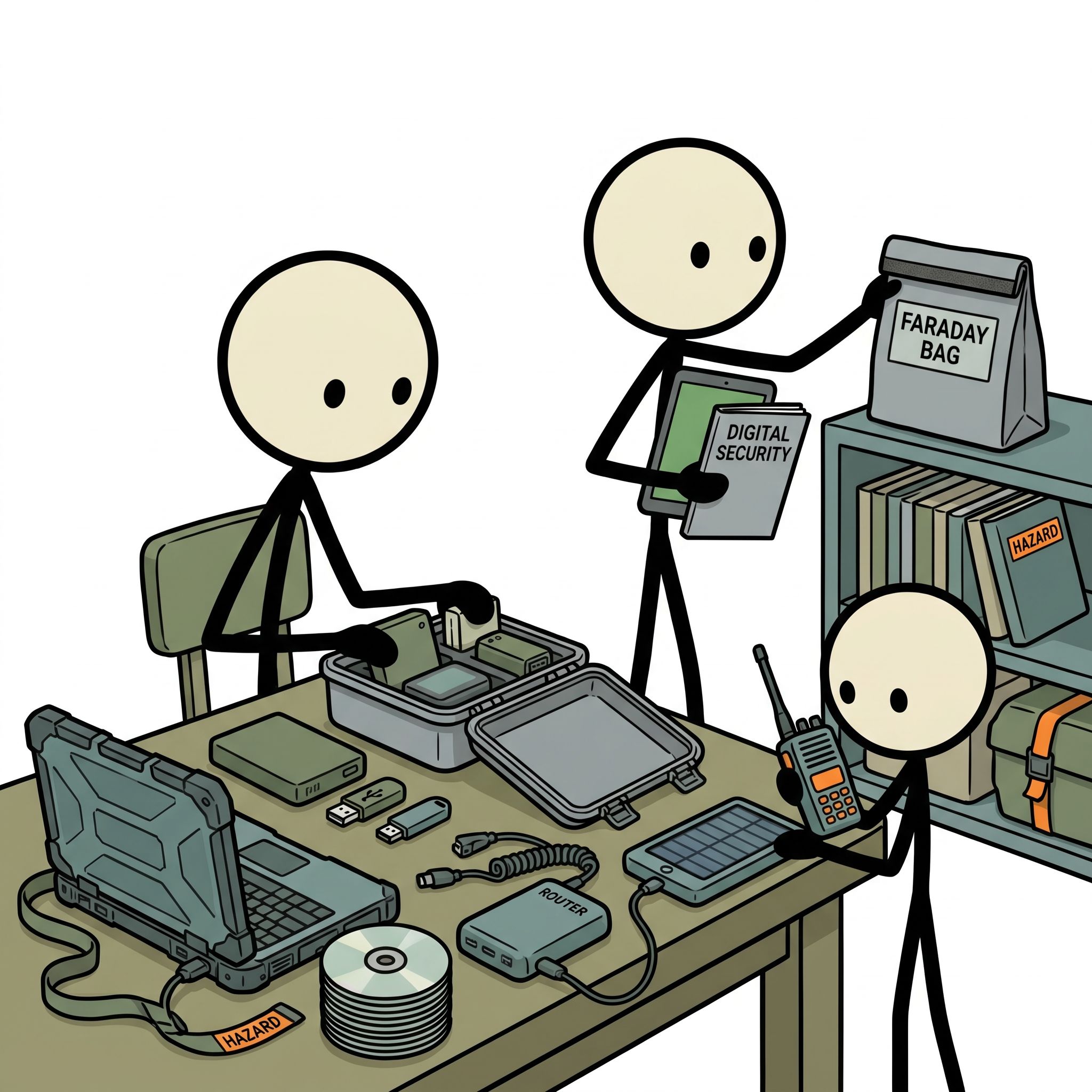
An Electromagnetic Pulse (EMP) from a high-altitude nuclear detonation or a massive Coronal Mass Ejection (CME) from the sun could instantly destroy unshielded microelectronics across an entire continent. To protect your critical offline survival library, communication devices, and solar charge controllers, you must utilize Faraday shielding.
A Faraday cage is an enclosure formed by conductive material that blocks external static and non-static electrical fields. To protect your backup electronics:
- Use Certified Faraday Bags: Store backup smartphones, tablets, offline hard drives, and two-way radios in high-quality, military-grade Faraday bags (such as those rated to MIL-SPEC MIL-DTL-81705D).
- Construct DIY Faraday Cages: For larger items, you can construct a highly effective Faraday cage using a clean metal garbage can with a tight-fitting lid. Line the interior completely with non-conductive cardboard or heavy-duty plastic to prevent your devices from touching the metal exterior. Wrap each device in heavy-duty aluminum foil before placing it inside the insulated can.
- Maintain Redundancy: Store identical copies of your encrypted survival files and communication gear in separate Faraday cages—one at your primary residence and one at your bug-out location or inside your vehicle.
Implementing Your Digital Resilience Action Plan
Transitioning from a vulnerable digital state to a highly secure, resilient, and off-grid-ready posture requires a systematic approach. Do not attempt to implement all of these security measures in a single day. Instead, execute your digital preparedness strategy in phases over the next 90 days.
📋 90-Day Digital Security Roadmap
- Days 1-30: Hardening and Privacy
- Install a secure password manager (e.g., Bitwarden or KeePassXC) and update all passwords to unique, 16+ character passphrases.
- Enable app-based Multi-Factor Authentication (MFA) on all financial, email, and security accounts.
- Submit opt-out requests to major data brokers to scrub your physical address and personal details from public databases.
- Days 31-60: Encryption and Offline Storage
- Download VeraCrypt and create an encrypted container on a ruggedized external SSD for all vital personal documents.
- Install Kiwix on a dedicated tablet or laptop and download the offline databases for Wikipedia, WikiHow, and medical manuals.
- Download offline topographic maps of your state and surrounding regions using Organic Maps.
- Days 61-90: Off-Grid Communications and Physical Protection
- Procure and configure at least two LoRa-based mesh networking devices (e.g., Meshtastic) and establish an encrypted channel for your family.
- Purchase or construct a certified Faraday cage to store your backup communication gear, solar chargers, and offline storage drives.
- Conduct a "Digital Blackout" drill: disconnect your home router, disable cellular data, and attempt to coordinate, navigate, and access medical info using only your offline tools.
The Path to Digital Self-Reliance
Securing your digital footprint and establishing off-grid data protection is not an act of paranoia; it is the logical evolution of modern emergency preparedness. Just as you would not leave your home unlocked or your physical assets exposed to the elements, you must not leave your digital life vulnerable to exploitation, surveillance, and sudden loss. By taking control of your encryption keys, hardening your communication channels, and archiving the world's knowledge locally, you ensure that your family remains informed, coordinated, and secure when the global network fails. True resilience means being self-reliant in every domain—physical, mental, and digital. Start building your digital fortress today, so that when the grid goes dark, your light of knowledge and communication stays on.
Frequently Asked Questions
Why is digital privacy important for emergency preparedness?
During a disaster, compromised personal data can lead to identity theft, looting of evacuated homes, or targeted scams when you are at your most vulnerable.
How can I secure my digital documents before a disaster?
Store encrypted copies of essential documents like IDs and financial records on a password-protected USB drive or a secure, end-to-end encrypted cloud service.
What is the best way to communicate securely during a crisis?
Use end-to-end encrypted messaging apps like Signal, or offline mesh network communication tools that do not rely on centralized, easily intercepted servers.
How do I protect my location privacy during an evacuation?
Disable location services, Bluetooth, and Wi-Fi on your mobile devices, or place them in a Faraday bag to prevent tracking and unauthorized wireless access.
What should I do with my physical devices if I must evacuate?
Ensure all devices are fully encrypted with strong passwords, take critical hard drives with you, and securely wipe sensitive data from any devices left behind.