⚡ Key Facts
- The Last-Mile Reality: According to the Federal Communications Commission (FCC), regional Internet Service Provider (ISP) distribution nodes and optical line terminals (OLTs) are mandated to maintain at least 4 to 8 hours of auxiliary generator or industrial battery backup, meaning your home fiber or broadband signal remains fully active long after neighborhood power lines fail.
- Grid Vulnerability: The U.S. Energy Information Administration (EIA) reports that American electrical utility customers experience an average of over 5 to 7 hours of non-momentary power interruptions annually, with weather-related major disruptions increasing by over 60% across the past decade.
- Inverter Efficiency Penalty: Standard line-interactive uninterruptible power supplies (UPS) suffer an efficiency loss of 25% to 40% when converting 12V/24V internal direct current (DC) battery power to 120V alternating current (AC), only for your router’s power brick to immediately convert it back to 12V DC.
- Cellular Collapse: During widespread grid failure events, local cellular towers routinely saturate within 15 to 45 minutes as mobile devices instantly fail over to 4G/5G, rendering mobile data throttled or unusable and making a home router UPS backup your most reliable data lifeline.
When high winds, wet snow, or an overloaded summer grid trip a local transformer, the immediate silence inside a home is unnerving. While emergency illumination kicks on, an immediate second crisis quietly unfolds: the home Wi-Fi collapses, leaving household members disconnected from critical local warnings, emergency service portals, and family check-ins. Many assume that when the lights go out, the internet is naturally gone with them. Yet, in modern fiber-to-the-home (FTTH) and well-maintained hybrid fiber-coaxial (HFC) networks, the street-level signals continue pulsing down the line. Keeping your critical emergency communication plan lifeline active does not require an expensive whole-home generator; it requires an engineered, properly sized, and smartly configured UPS battery backup for Wi-Fi hardware.
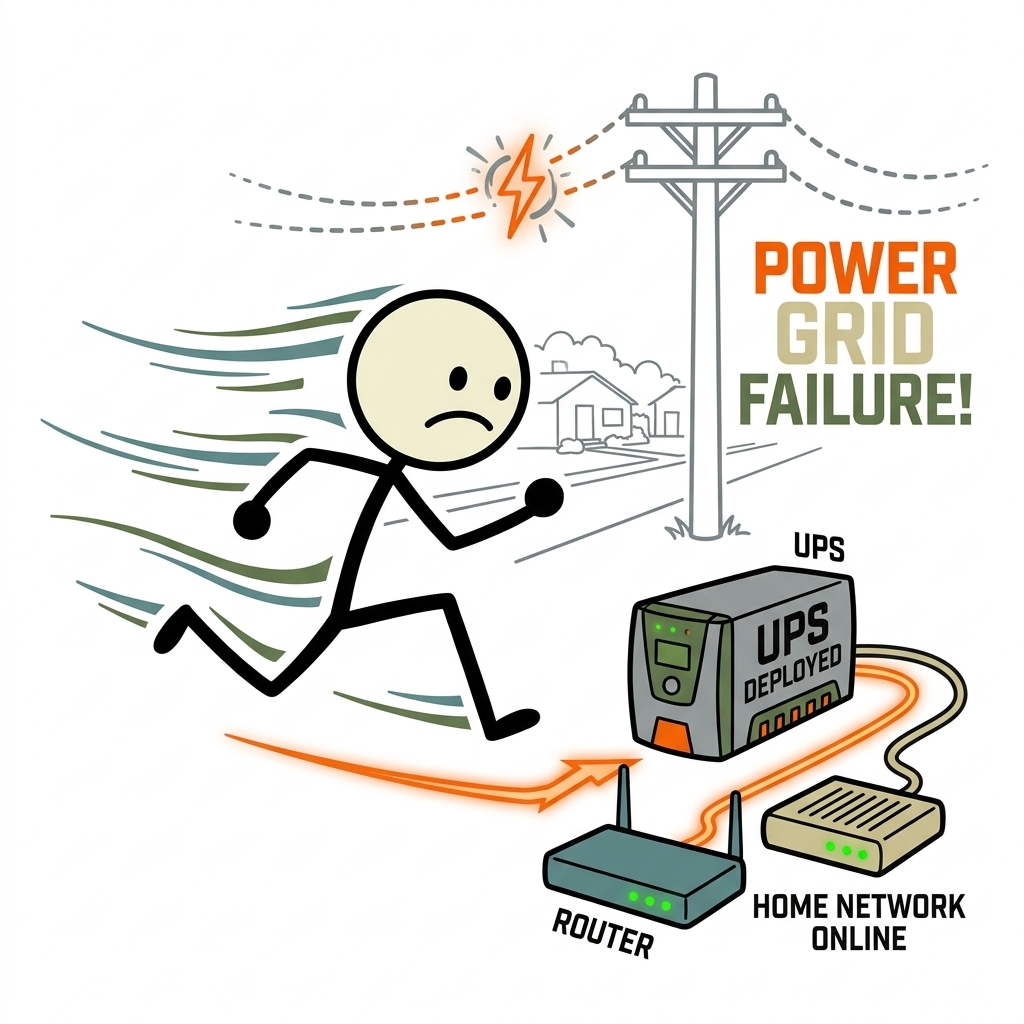
The Communications Lifeline: Why Your Home Internet Outlasts the Grid
To establish resilient grid down communications, you must first understand the infrastructure delivering data to your doorstep. Telecommunications networks are engineered differently from residential power grids. Central offices, wire centers, and regional headends operate under rigorous high-availability standards, routinely deploying heavy industrial lead-acid banks and automated diesel generators to survive extended municipal outages. For the practical checklist side, use the community emergency preparedness guide.
Under FCC disaster reliability guidelines, telecommunication providers are incentivized and, in many jurisdictions, required to harden their central hubs and remote cabinets. If you subscribe to a fiber-optic service, the data travels as pulses of light through non-conductive glass strands. Because light requires no electrical excitation along the fiber cable run, your connection will function normally regardless of whether street-level utility poles have active electrical current—provided the Optical Network Terminal (ONT) inside your home and the Optical Line Terminal (OLT) at the ISP station have power. For the practical checklist side, use the family emergency planning guide.
Cable broadband (DOCSIS) operates similarly, though it occasionally relies on neighborhood preparedness network line extenders and power supply nodes mounted on overhead poles. These street nodes typically house three to six heavy-duty flooded or AGM batteries intended to provide two to four hours of runtime. Conversely, cellular infrastructure often becomes a liability during municipal outages. The Federal Emergency Management Agency (FEMA) routinely highlights that cellular networks suffer immediate congestion during disasters. When thousands of smartphones switch off dead Wi-Fi routers simultaneously, nearby cellular towers encounter massive bandwidth exhaustion, preventing web browsing, dispatch mapping, and even text-based alerts. Maintaining an independent emergency power for modem and router hardware bypasses cellular gridlock entirely.
Auditing Your Network Load: The Power Audit
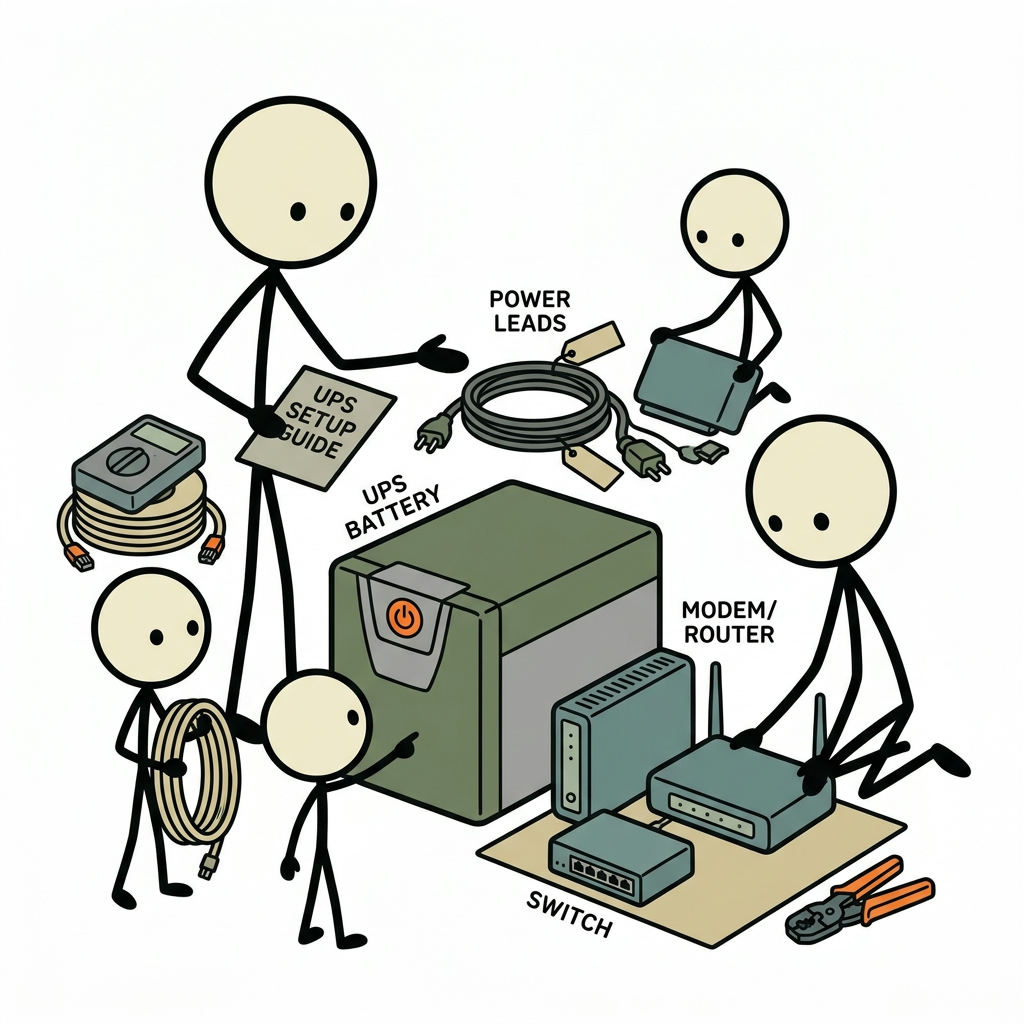
Sizing a battery solution without an accurate hardware audit is a recipe for premature power failure. Many homeowners look at the power rating stamped on the back of their equipment and inadvertently over-specify or under-deliver on runtime. The values printed on device labels (such as "Input: 12V ⎓ 2.5A") describe the maximum theoretical draw that the bundled power transformer can supply without melting, not the actual power consumption during operational runtime.
To accurately size your router UPS backup, you need the steady-state operational wattage of each component in your critical communications path. A standard domestic internet setup generally includes:
- Optical Network Terminal (ONT) or Cable Modem: Converts incoming light or RF signal into an Ethernet handoff. Typical consumption: 5 to 18 Watts.
- Primary Wi-Fi Router or Gateway: Handles network routing, dynamic IP assignments, firewall filtering, and wireless radios. Typical consumption: 10 to 30 Watts depending on radio frequency load (Wi-Fi 6 and 6E routers draw more power under active multi-user traffic).
- Network Switches (if applicable): Distributes hardwired connections to home workstations, network-attached storage (NAS), or security cameras. Typical consumption: 3 to 15 Watts for unmanaged 8-port switches; 30 to 90+ Watts if running Power over Ethernet (PoE) access points or IP security cameras.
- Smart Home / Security Hubs: Standalone bridge units (e.g., local home automation controllers, alarm receivers). Typical consumption: 2 to 7 Watts.
Calculating True Power Draw
The most precise method for measuring consumption is inserting an inexpensive plug-in digital wattmeter between the wall outlet and the equipment power strip. Measure your setup across three states: idling with no active traffic, streaming high-definition video across multiple connected devices, and during a large file transfer. Note the highest stabilized wattage.
If you lack a physical wattmeter, calculate a safe baseline using basic electrical formulas. Convert device label amperage into watts using the formula:
Watts (W) = Volts (V) × Amperes (A)
A router rated for 12V and 1.5A suggests a maximum power ceiling of 18W. In real-world operation, modern networking gear typically idles at 40% to 60% of that maximum figure. For engineering safety, adopt the 75% rule: assume your gear consumes 75% of the nameplate capacity continuously. For an ONT (12V, 1A = 12W nameplate) and a dual-band Wi-Fi router (12V, 2A = 24W nameplate), your calculated nominal load is approximately 27 Watts.
UPS Topologies Explained: Selecting the Right Architecture
Not all battery backups operate the same way. Off-the-shelf consumer uninterruptible power supplies generally fall into three architectural categories, each with distinct trade-offs in power quality, switchover latency, and operational efficiency.
1. Standby (Offline) UPS
A Standby UPS remains inert until it detects a drop or total loss in incoming utility voltage. Upon detection, a physical relay switches the load from the grid to the internal battery and inverter circuit. The switchover typically takes between 6 to 12 milliseconds. While modern switched-mode power supplies inside routers can bridge a brief 10ms power gap using internal capacitors without rebooting, lower-end modems occasionally drop connection, forcing a three-to-five-minute resynchronization cycle. Standby units are inexpensive but lack voltage conditioning.
2. Line-Interactive UPS
The line-interactive design is the ideal choice for residential networks. These units feature an Automatic Voltage Regulator (AVR)—a multi-tap autotransformer that boosts low line voltage (brownouts) and steps down high line voltage (surges) without draining the internal battery. Because the inverter remains tied to the output line, switchover times drop to 2 to 4 milliseconds, ensuring uninterrupted continuity. If you live in an area prone to severe weather or fluctuating grid conditions, line-interactive AVR safeguards your sensitive network hardware from internal logic degradation.
3. Online (Double-Conversion) UPS
An online UPS continuously rectifies incoming AC utility power into DC power to charge the battery, and simultaneously converts that DC back into pure AC to power connected loads. There is zero transfer time (0 ms) during a blackout because the inverter is constantly running. However, online units are expensive, generate continuous cooling fan noise, and introduce continuous parasitic power consumption. For residential networking equipment, an online double-conversion unit is generally overkill unless you host sensitive, non-tolerant network-attached enterprise servers in the same cabinet.
AC UPS vs. Native DC Mini-UPS: The Efficiency Question
One of the most overlooked realities of emergency preparedness is the double-conversion penalty of standard commercial AC battery units. Your internal UPS battery operates on direct current (typically a 12V sealed lead-acid or lithium battery). The UPS inverter converts that 12V DC into 120V AC output at the socket. You then plug in your router’s wall transformer, which promptly converts that 120V AC back down to 12V DC. This round-trip conversion wastes 25% to 40% of your stored battery capacity as heat.
To maximize your runtime during extended grid down communications scenarios, consider a dedicated DC-to-DC mini UPS. These compact units plug directly into the wall, house high-density lithium-ion (or lithium iron phosphate) cells, and output continuous 9V, 12V, or 48V (PoE) direct current via standard DC barrel jacks (such as 5.5mm × 2.1mm connectors). By removing the internal inverter, a 45Wh DC-to-DC backup can deliver equivalent or superior runtime compared to a heavy, bulky 350VA traditional AC UPS, all while operating completely silently and generating minimal heat.
Sizing Calculations: Runtime Formulas That Work
Consumer battery packaging is frequently misleading. Large labels boasting "650VA" or "850VA" measure apparent power (Volt-Amperes), not the duration of stored energy. To reliably keep internet running during power outage emergencies, you must calculate runtimes using True Power (Watts) and stored battery capacity in Watt-hours (Wh).
Demystifying the Volt-Ampere (VA) Rating
Volt-Amperes represent the electrical pressure multiplied by current, including reactive power components. Watts represent real energy consumed. The ratio between them is the Power Factor (PF):
Watts = VA × Power Factor
Most entry-level to mid-range line-interactive UPS units possess a power factor between 0.5 and 0.6. Therefore, an entry-level "500VA" UPS delivers only 250 to 300 Watts of actual capacity before overloading. When powering network gear, you will rarely exceed the maximum instantaneous wattage ceiling; your limiting factor is operational runtime.
The Runtime Calculation Formula
To determine how many hours an uninterruptible power supply will sustain your modem and router, identify the internal battery specifications. Most budget-to-mid-tier consumer UPS boxes house a single 12-Volt, 7-Amp-hour (12V 7Ah) or 12-Volt, 9-Amp-hour (12V 9Ah) Sealed Lead-Acid (SLA) battery.
Calculate the total nominal battery capacity in Watt-hours (Wh):
Nominal Capacity (Wh) = Voltage (V) × Capacity (Ah)
For a standard 12V 7Ah SLA battery: 12V × 7Ah = 84 Watt-hours.
Next, account for real-world system inefficiencies. Three physical limitations prevent you from using 100% of that rated capacity:
- Inverter Efficiency ($\eta$): Inverting DC to AC converts roughly 15% to 30% of energy directly into waste heat, particularly when run at shallow loads under 15% of rated capacity. Factor in an efficiency multiplier of
0.75. - Depth of Discharge (DoD): Lead-acid chemistry drops voltage precipitously as it drains. The UPS low-voltage disconnect circuit will trigger when the battery reaches approximately 20% to 30% remaining capacity to prevent cell destruction. Usable capacity multiplier is roughly
0.70to0.80. - Peukert's Effect: While high discharge rates reduce lead-acid capacity significantly, the low current draw of a modest 20-watt network load actually works in your favor, allowing the battery to operate close to its rated capacity.
Apply the conservative real-world baseline formula:
Usable Runtime (Hours) = [Nominal Battery Wh × Inverter Efficiency (0.75) × Usable DoD (0.75)] ÷ Active Load (Watts)
Let's run the numbers for a standard household fiber installation drawing a combined 20 Watts through a 12V 9Ah UPS:
- Nominal Energy:
12V × 9Ah = 108 Wh - Usable Energy:
108 Wh × 0.75 × 0.75 = 60.75 usable Wh - Estimated Runtime:
60.75 Wh ÷ 20 Watts ≈ 3.03 Hours
If NOAA weather alerts warn of severe storms likely to cause multi-day blackouts, a three-hour window may be insufficient. You must either scale up internal battery capacity, purchase a UPS accepting external daisy-chained battery packs, or employ a staged emergency power strategy.
Step-by-Step Deployment: Installation and Physical Hardening
Securing a resilient router UPS backup involves more than plugging cords into an open outlet. Placement, environmental stability, and wiring separation play a massive role in whether the system operates cleanly or fails prematurely.
Step 1: Environmental Hardening and Placement
Most home network gear is placed in utility closets, basements, or enclosed cabinets where air circulation is restricted. Sealed lead-acid and lithium batteries are sensitive to ambient heat. For every 15°F (8.3°C) increase in average operating temperature above 77°F (25°C), the operational lifespan of a lead-acid battery is cut in half.
Place your UPS off the floor. Following flood guidelines from FEMA and the American Red Cross, place all critical electronics above anticipated flood-crest or basement seep levels. Ensure at least four inches of open airspace on all sides of the UPS ventilation louvers. Never stack a heat-generating router directly on top of the UPS housing.
Step 2: Circuit Separation and Load Shedding
Every commercial consumer UPS features two sets of rear receptacles: one labeled "Surge Only" and one labeled "Battery + Surge". Inserting a cord into the wrong bank is the most common point of deployment failure.
| Device Type | Plug Assignment | Rationale |
|---|---|---|
| Modem / Fiber ONT | Battery + Surge | Primary edge-device converter. Critical lifeline. |
| Primary Router / Wi-Fi AP | Battery + Surge | Handles DHCP, local routing, emergency comms. |
| Core Security Hub / NVR | Battery + Surge | Maintains local perimeter telemetry and sensors. |
| Laser Printer | Surge Only / Unplugged | Fuser heaters draw up to 1200W, instantly killing inverters. |
| External Desktop Drives / Scanners | Surge Only | Non-essential parasitic draw; drains reserve minutes. |
Do not plug desktop monitors, printers, powered subwoofers, or ambient lighting into the battery-backed banks. Every unnecessary milliamp drawn drains your core survival network.
Step 3: Silencing Audible Alarms
By factory default, almost all commercial UPS units emit an ear-piercing high-decibel beep every 15 to 30 seconds once wall power fails. In an emergency, this alarm increases household stress, drains battery life through the buzzer circuit, and disturbs sleep during nighttime utility cuts.
Consult your unit's manual to silence this alarm. On modern units (such as those from APC or CyberPower), disabling the alarm requires pressing the power button quickly twice or holding the display mute button for three seconds. If your unit lacks an external mute control, you must connect the UPS to a computer via the included USB-to-RJ45 communications cable, download the manufacturer management software (e.g., PowerChute, PowerPanel), and permanently configure the internal EEPROM to toggle "Audible Alarm During Outages: Disabled".
Step 4: Managing In-Line RJ45 Surge Protection
Many units feature RJ45 Ethernet surge suppression pass-through ports. While these ports protect equipment from induced electrical surges over long, exterior copper lines, budget units can throttle your throughput from 1 Gbps down to 100 Mbps due to outdated pin configurations. Test your local network throughput using an online speed verification test both with and without the pass-through feature engaged. If you are using non-conductive fiber-to-the-home, your incoming connection cannot transmit electrical lightning surges into the ONT, eliminating the need for incoming RJ45 surge suppression altogether.
Advanced Strategies: Extending Operations Across Multi-Day Outages
When an environmental catastrophe triggers a grid failure lasting days rather than hours, an entry-level UPS becomes a bridging solution rather than a complete answer. Preparedness planners use a multi-tiered approach that pairs high-speed transfer capability with long-duration off-grid generation.
The Two-Stage Bridge: Interfacing with Portable Power Stations
Large-format lithium iron phosphate (LiFePO4) solar generators (such as EcoFlow, Bluetti, or Anker units) carry massive capacities (500Wh to 2000Wh+). However, their internal transfer switches can be relatively slow (20 to 30 milliseconds), which causes sensitive network modems to cut out and reboot when switching sources. Furthermore, running a massive 1000Wh portable power station continuously to power a tiny 15-watt load yields severe low-load inverter losses.
The optimal technique is a two-tiered configuration:
- Keep your line-interactive UPS battery backup for Wi-Fi hardware permanently attached to your network gear to handle instantaneous voltage conditioning and zero-latency failover.
- During a prolonged outage, carry your portable power station to the network closet, plug the AC cord of your existing UPS into the portable power station, and run the station in AC output mode for two hours to recharge the UPS internal cells completely while maintaining ongoing network uptime.
- Once the internal UPS battery reaches 100%, disconnect the power station to protect it from continuous idle drain. This rotational top-off extends network availability across many days with minimal stored energy loss.
Software-Level Energy Conservation
You can dynamically reduce the power demands of your network gear when surviving on emergency reserves. Modern enterprise-grade and high-end prosumer routers (such as hardware running OpenWrt, Asuswrt-Merlin, or UniFi configurations) consume substantial wattage solely to transmit high-throughput wireless radio signals.
Log in to your router gateway administrative panel and implement these three adjustments to immediately extend battery endurance:
- Deactivate the 5 GHz and 6 GHz Radio Bands: High-frequency radios run hotter and require significantly more power. The 2.4 GHz spectrum easily penetrates structural walls and requires lower operational wattage. Turning off extraneous bands can drop total router draw by 20% to 35%.
- Dial Back Transmit (Tx) Power: If your household congregates in a designated, fortified safe room during severe weather events, reduce your router’s radio transmission output from 100% (High) down to 25% or 50% (Low/Medium). This keeps room devices connected without casting high-power signals across your property line.
- Unplug Peripheral USB Flash Drives: Many modern routers support network-attached storage using an external hard drive connected to a USB 3.0 port. These drives spin continuously and draw power directly from the router’s internal board, bleeding away precious reserve minutes.
Maintenance, Testing, and Battery Chemistry Lifecycle
A battery backup system is only as reliable as its last maintenance validation. Sealed Lead-Acid (SLA) absorbed glass mat (AGM) cells—the standard chemistry inside 85% of consumer UPS hardware—deteriorate regardless of whether a power outage occurs.
Understanding the Lead-Acid Replacement Clock
SLA batteries possess a functional operational life of 3 to 5 years under optimal conditions. Internal chemical plate sulfation, moisture loss through micro-vents, and grid corrosion continually degrade cell capacity. If your family emergency plan assumes your UPS will run for 180 minutes, an untested four-year-old battery may collapse under load within 18 minutes.
To ensure high readiness, mark the initial installation date directly on the side of the battery casing with an indelible marker. Budget for scheduled replacements every 36 months, or immediately if the diagnostic test alert sounds.
The LiFePO4 Drop-In Alternative
Users seeking lower maintenance can replace depleted 12V 7Ah or 12V 9Ah SLA batteries with drop-in Lithium Iron Phosphate (LiFePO4) replacement batteries that include integrated Battery Management Systems (BMS). LiFePO4 cells yield several operational advantages:
- Extended Service Lifespan: Provides 2,000 to 4,000 charge cycles, lasting 8 to 10 years without noticeable capacity loss.
- Full Depth of Discharge: Safe discharge down to 10% to 0% capacity without the immediate plate damage common to lead-acid batteries.
- Lighter Weight: Drops the physical weight of your emergency communications kit by roughly 60%.
Precaution: Verify that your existing UPS charging circuit does not float-charge at voltages exceeding your replacement LiFePO4 BMS high-voltage safety cutoff (typically 14.4V to 14.6V), which can cause the internal BMS protection circuit to trip and prematurely cut power.
Executing a Controlled Live Fire Load Test
Do not wait for a hurricane, wildfire, or winter freeze to find out whether your emergency power for modem systems will hold the line. Execute a scheduled, quarterly functional audit:
- Inspect all physical cables, confirming no strain or sharp bends around DC barrel jacks and optical fiber patch leads (which fracture easily if bent beyond their minimum bend radius).
- Ensure all household devices that require priority connectivity have their credentials stored and verified on the 2.4 GHz wireless network band.
- Disconnect the main UPS power plug from the household wall receptacle. Do not switch the power button on the front of the UPS off; simulate a true grid failure by cutting the supply line.
- Monitor your smartphone, tablet, or emergency workstation to confirm that no reboot sequence occurs on the modem or router.
- Run a digital stopwatch. Let the system run on battery backup under standard communication loads for 30 minutes. Measure the remaining capacity indicator to confirm that the battery discharge curve matches your operational calculations.
- Plug the UPS back into the utility wall outlet. Confirm that the unit switches back to external power and initiates an internal recharge cycle without interrupting active internet traffic.
Building Self-Reliance Through Communication Assurance
A resilient home is more than stores of shelf-stable food and safe drinking water; it is a hub of reliable information. When regional utility lines fail, access to authoritative guidance from local emergency management, real-time weather tracking via NOAA feeds, and secure coordination with loved ones provides an immediate tactical advantage. By deploying a dedicated, correctly sized UPS battery backup for your home network, you eliminate one of the most common and disruptive vulnerabilities of modern power outages. Take the time to audit your load, engineer your reserve capacity, and test your systems today—ensuring that when the lights go out, your connection to the outside world stays strong.
Frequently Asked Questions
Will my internet work during a blackout if my router has battery backup?
Yes, but only if your Internet Service Provider's (ISP) neighborhood node or distribution cabinet also maintains backup power. Fiber-optic and cable networks often have battery or generator reserves at the node level that last several hours.
What size UPS is recommended for a home router and modem?
A standard modem and Wi-Fi router combination typically consumes 10 to 30 watts total. A compact 400VA to 600VA UPS will keep both devices powered for 2 to 6 hours, while larger 1000VA+ units or dedicated DC micro-UPS units can extend runtime past 10 hours.
Do I need to plug both the modem and router into the UPS?
Yes. Both the device that translates the external signal (the modem or fiber Optical Network Terminal / ONT) and the router broadcasting your local network must remain powered simultaneously to maintain connectivity.
What is the advantage of a mini DC UPS over a standard AC UPS for networking gear?
Standard AC UPS units convert internal battery DC power to AC, which the router's power brick converts back to DC, losing up to 30% of energy as heat. A mini DC UPS connects directly at 12V or 9V, offering significantly longer runtimes from a much smaller battery footprint.
How often does a UPS battery need to be replaced?
Traditional sealed lead-acid (SLA) batteries inside most consumer UPS systems typically last between 3 and 5 years before losing significant runtime capacity. Newer lithium-iron-phosphate (LiFePO4) models can last 8 to 10 years.